




















FREE SYNTH · VST3

The
Weekend
Score

  • Two oscillators with split, mono, and poly modes.
  • Resonant and high-pass filters with eight adjustable bands.
  • Ring modulation, fuzz, motion, and stereo space.
  • 18 factory presets and 3 case skins.
  • Over 40 parameters to adjust and fine tune a unique sound.
  • Built in aged circuitry assures no two VST sound the same.
  • Free.
  • No account required.

By PlasticWool Interactive.

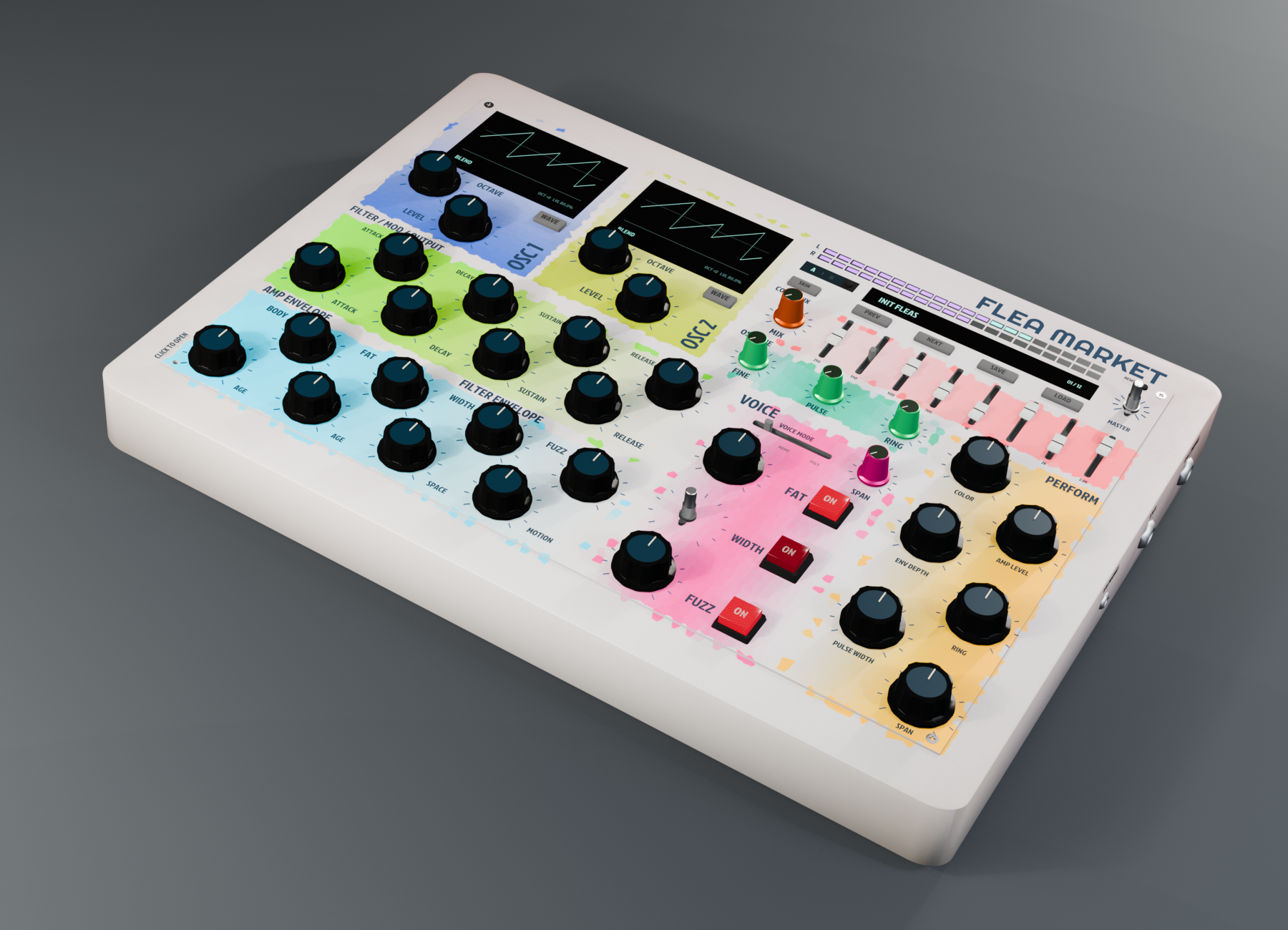
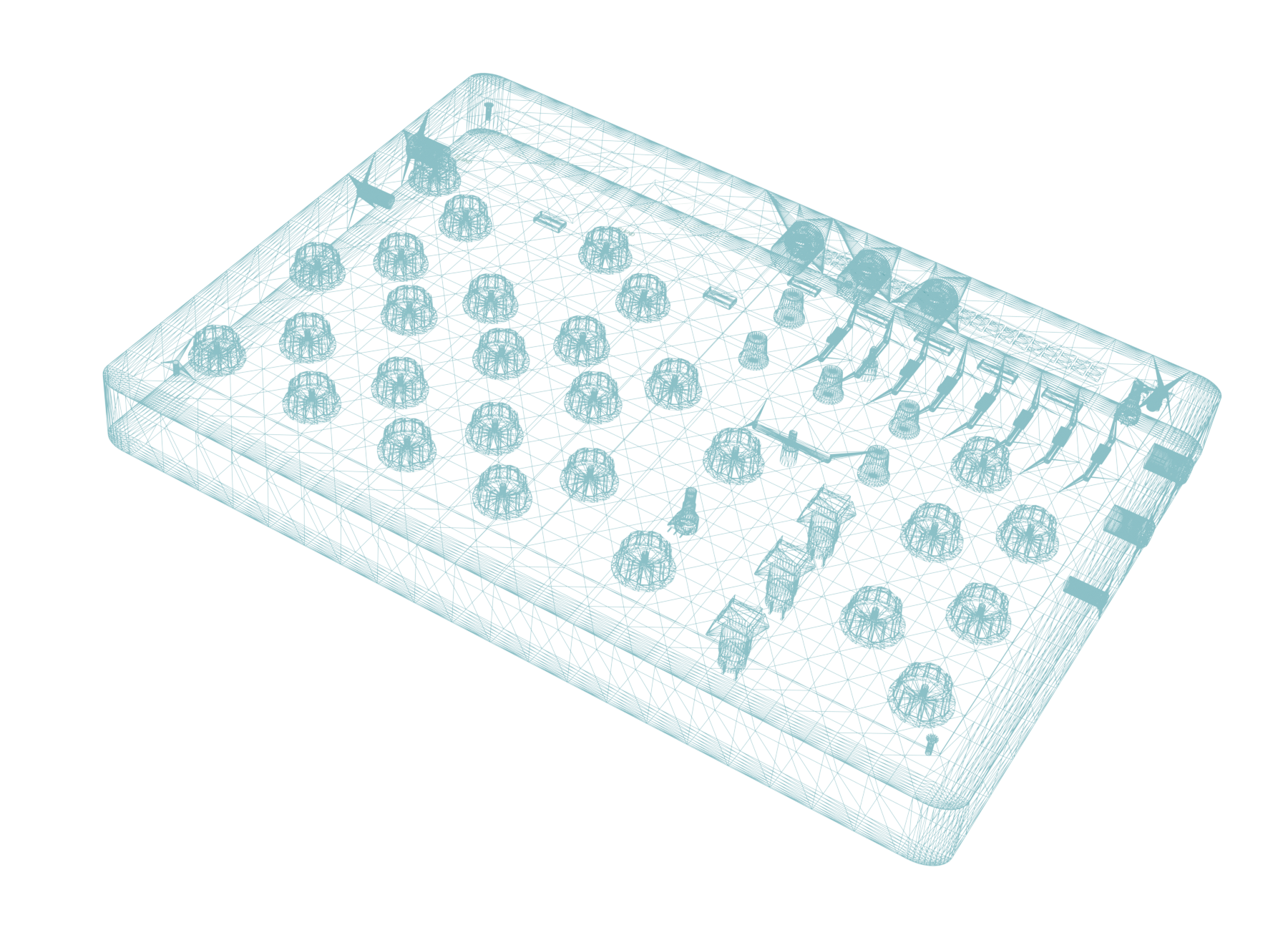
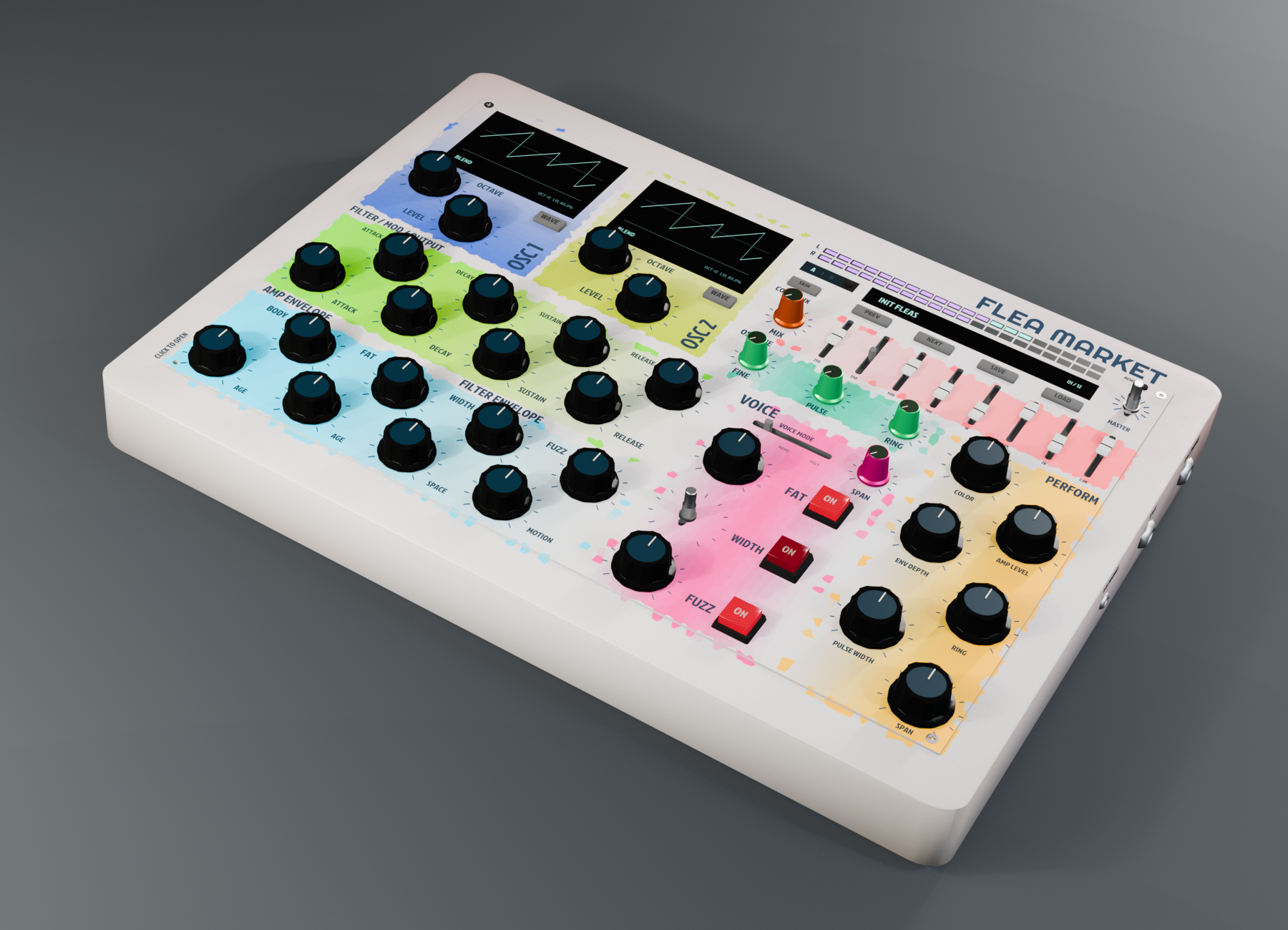
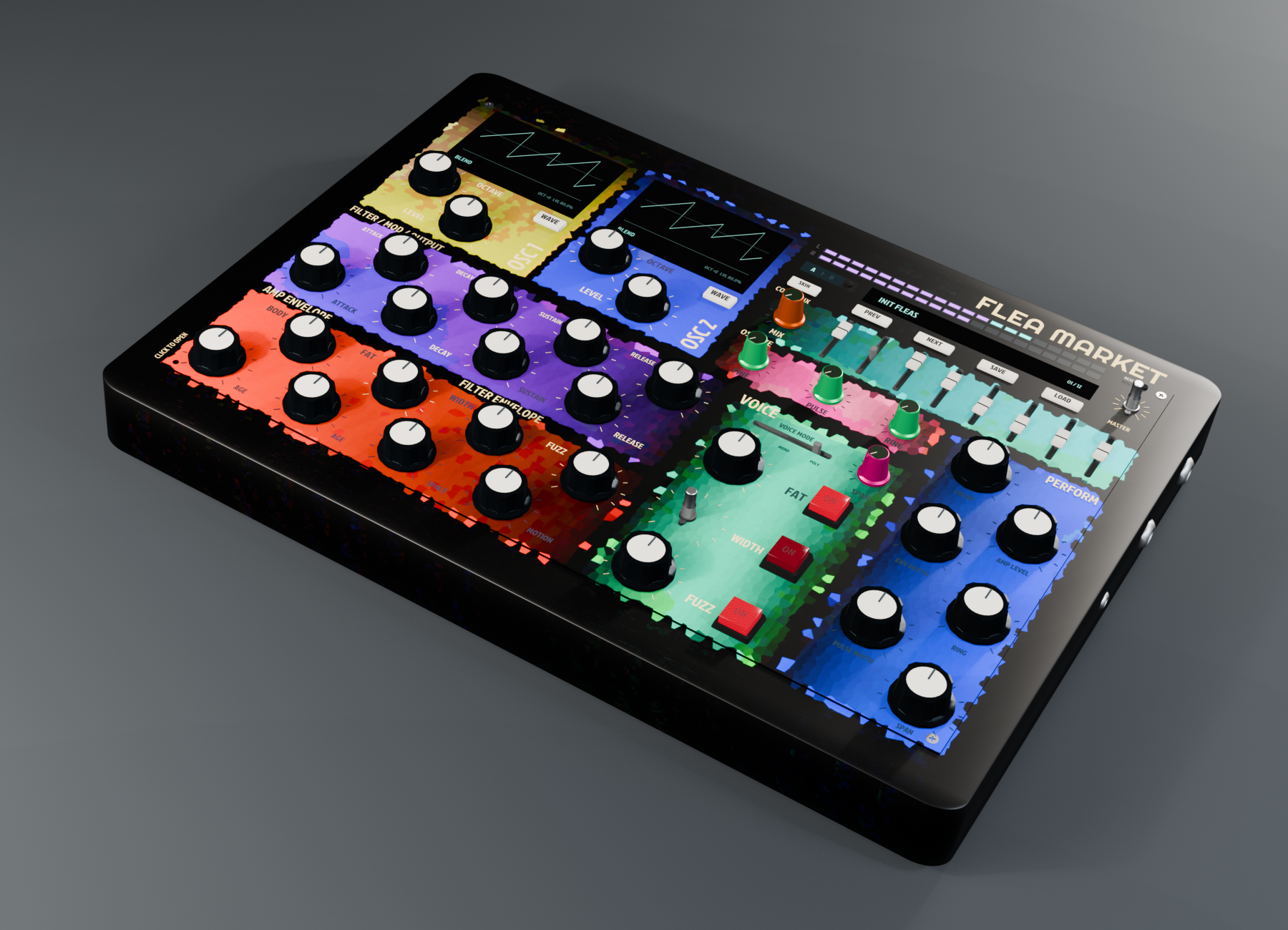
Flea Market synth case, half colorful faceplate and half glowing cyan wireframe

01 / SOUND

Feel the savings

Two oscillators can split notes or play together in mono and poly modes. Shape them with resonant and high-pass filters plus eight adjustable bands, then add ring modulation, fuzz, motion, and stereo space.

DEMO SIGNAL00:22
Waveform of the audio demo

01B / PRESET SOUNDS

18 Ways to sundown

Hear every factory preset. Each clip plays a real different preset from the Flea Market VST3.

CLEAN REFERENCE / C MAJOR

Climb the scale

C4 to C5 through Bare Circuit, with FAT, WIDTH, and FUZZ switched off.

Waveform of the clean C major scale
  1. 01 / Factory preset

    Init Fleas

    Waveform of Init Fleas preset example
  2. 02 / Factory preset

    Interval Glass

    Waveform of Interval Glass preset example
  3. 03 / Factory preset

    Filter Teeth

    Waveform of Filter Teeth preset example
  4. 04 / Factory preset

    Low Wire

    Waveform of Low Wire preset example
  5. 05 / Factory preset

    Fat Circuit

    Waveform of Fat Circuit preset example
  6. 06 / Factory preset

    Hollow Choir

    Waveform of Hollow Choir preset example
  7. 07 / Factory preset

    Fold Bass

    Waveform of Fold Bass preset example
  8. 08 / Factory preset

    Old Tape Echo

    Waveform of Old Tape Echo preset example
  9. 09 / Factory preset

    Needle Width

    Waveform of Needle Width preset example
  10. 10 / Factory preset

    Mono Fuzz

    Waveform of Mono Fuzz preset example
  11. 11 / Factory preset

    Ring Bend

    Waveform of Ring Bend preset example
  12. 12 / Factory preset

    Poly Haze

    Waveform of Poly Haze preset example
  13. 13 / Clean · no FAT, WIDTH, or FUZZ

    Bare Circuit

    Waveform of Bare Circuit preset example
  14. 14 / Clean · no FAT, WIDTH, or FUZZ

    Clean Mono

    Waveform of Clean Mono preset example
  15. 15 / Clean · no FAT, WIDTH, or FUZZ

    Glass Keys

    Waveform of Glass Keys preset example
  16. 16 / Factory preset

    Flea Spark

    Waveform of Flea Spark preset example
  17. 17 / Factory preset

    Stereo Dust

    Waveform of Stereo Dust preset example
  18. 18 / Factory preset

    Night Keys

    Waveform of Night Keys preset example

02 / THE INSTRUMENT

The inside outside

Two oscillators, an eight-band filter bank, performance filters, and additional fine parameters. There is over 40+ parameters to adjust and fine tune a unique sound. Built in aged circuitry assures no two VST sound the same.

Actual Flea Market VST3 window showing both oscillator screens set to BLEND in Ableton Live
FACEPLATE / MAIN VIEW01
Actual Flea Market VST3 OPEN window showing Flea Bite above and to the right of FAT TUNE
OPEN / CIRCUIT VIEW02
02oscillators
08filter bands
18factory patches
03case skins

03 / FEATURES

What’s in the box

Four ways to take the sound somewhere new, from the first note to the final layer of grit.

  1. 01 / PLAY

    Split or play together

    Split notes between two oscillators or play them together. Choose mono or poly to suit the part.

  2. 02 / SHAPE

    Eight bands to bend

    Work the resonant and high-pass filters, then shape the spectrum with eight adjustable bands.

  3. 03 / BITE

    Find the Flea Bite

    Lift the faceplate and bend OSC 2 with audio-rate modulation from OSC 1.

  4. 04 / FINISH

    Rough it up, spread it out

    Add ring modulation, fuzz, motion, and stereo space to finish the sound.

04 / HOW TO USE IT

Follow the signal

Start with a sound, shape the two oscillators, then follow the controls across the faceplate.

Actual Flea Market VST3 faceplate captured in Ableton Live
  1. 01 / PRESETS

    Pick a starting point

    Load a patch, then save your own version.

  2. 02 / OSCILLATORS

    Build the source

    Choose each wave, then set its octave and level.

  3. 03 / FILTERS

    Shape the tone

    Turn resonance and high-pass; tune the eight bands above.

  4. 04 / ENVELOPES

    Give it motion

    Set attack, decay, sustain, and release for amp and filter.

  5. 05 / VOICE

    Choose how it plays

    Switch between split, mono, and poly.

  6. 06 / PERFORM

    Finish the feel

    Dial in body, color, motion, and space.

Lift the faceplate to discover other tweaks in the circuit view. Drag the lower-right corner to scale the whole VST window from 75% to 150%.

CIRCUIT VIEW / 02

More to uncover

Actual Flea Market VST3 circuit view with oscillator pulse dials, Wave Fine switches, Flea Bite, Fat Tune, Fuzz Warmth, and Width Motion controls
  1. 00 / SheePU

    Magical sheep neural processing

    For maximum dreamscaping.

  2. 01 / OSC PULSE

    Shape the waves

    Turn each pulse dial to change its oscillator’s blend.

  3. 02 / WAVE FINE

    Find finer color

    Use the pink switches for subtle blend changes on fixed waves.

  4. 03 / FUZZ WARMTH

    Round the edge

    Soften the upper end of the fuzz range.

  5. 04 / FLEA BITE

    Make it bite

    Use OSC 1 to bend OSC 2 at audio rate.

  6. 05 / FAT TUNE

    Shift the detune

    Move the fat voice closer or farther apart.

  7. 06 / WIDTH MOTION

    Move the stereo

    Change how the stereo delay drifts.

05 / SKINS

Three ways to spin it

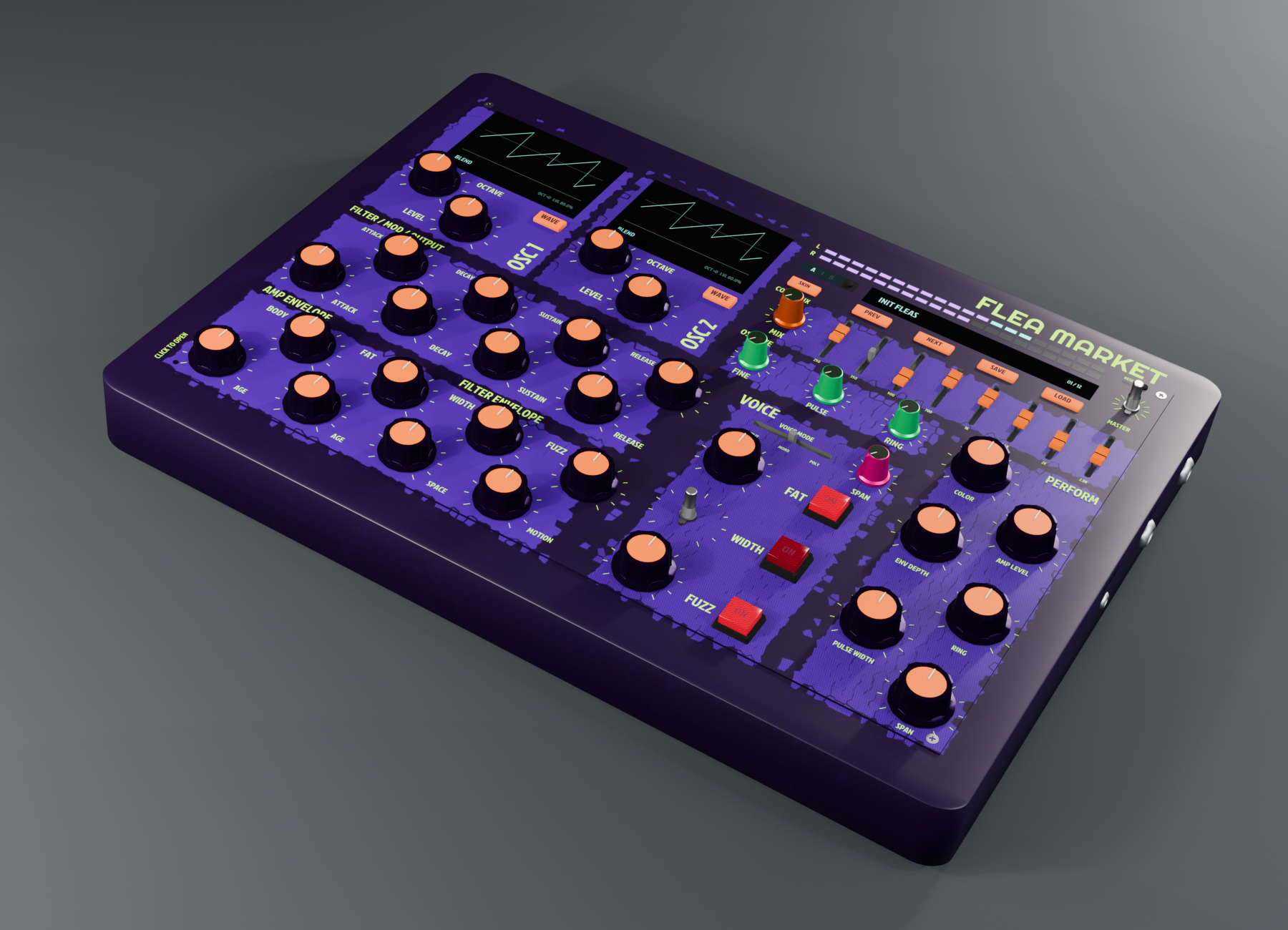
Switch between Color, Dark, and Limited inside the plug-in. These are concept renders of the case; the live plug-in views are shown above.

Color case concept render
01 Color
Dark case concept render
02 Dark
Limited purple case concept render
03 Limited
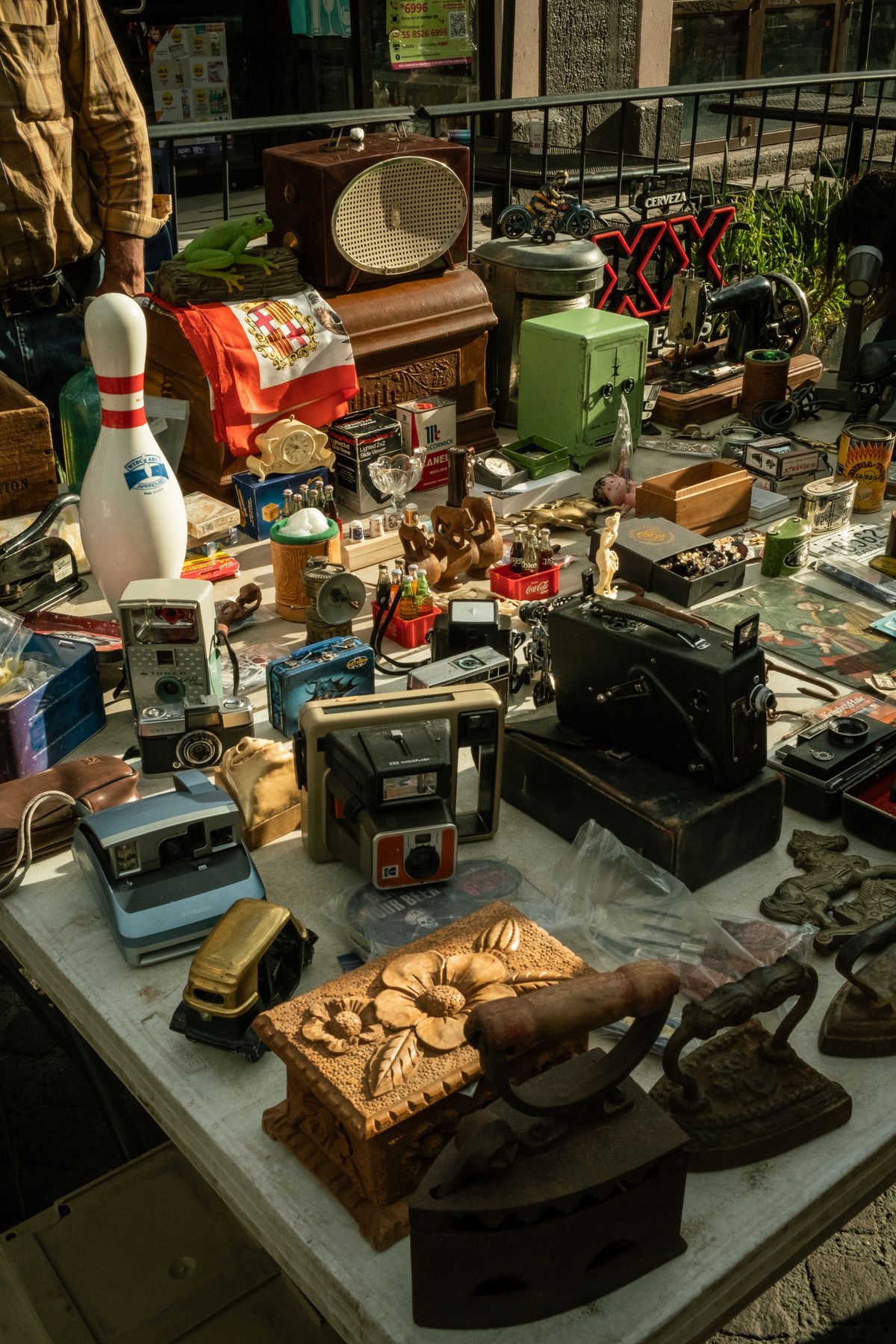
Secondhand radios, cameras, and other found objects on a flea-market stall in Aguascalientes, Mexico
Flea market in Aguascalientes · Photo: Alex Quezada / Pexels

06 / BACKSTORY

From a throwaway
generation

Plastic cases, bright buttons, circuits carefully hidden away. So much of the gear we grew up with was made to be replaced, then left behind. Obsolete.

Flea Market imagines one of those forgotten boxes getting another life. Under the plastic and metal, glowing alive with electricity. Trace the lines to a new design.

Built by a human for the sold memories

07 / DOWNLOAD

Take it home
It’s free

Flea Market is a free VST3 synth. It comes with all three case skins plus eighteen starter patches.

Version 0.10.11 · VST3 · No account or serial required

INSTALL NOTES
macOSIntel + Apple Silicon

Quit your DAW. Unzip and copy FleaMarket.vst3 to ~/Library/Audio/Plug-Ins/VST3/, replacing an earlier Flea Market installation. Then rescan plug-ins.

Windowsx64

Unzip and copy FleaMarket.vst3 to C:\Program Files\Common Files\VST3\, then rescan VST3 plug-ins in your DAW.